 PocketStatGet the app
RADIO THERMOSTAT CT80 CLIENT FOR ANDROID
Your thermostat,
in your pocket.
A native Android app for the Radio Thermostat CT80 you already own. Adjust temperature, manage your weekly schedule, and keep an eye on humidity and status, all from one app, talking straight to your thermostat over Wi-Fi, no cloud account or hub required.
PocketStat is a companion app for the Radio Thermostat CT80 and does not work by itself.
SEE IT IN ACTION
Watch a quick video walkthrough.
WHAT IS POCKETSTAT
Your CT80, without a browser tab.
PocketStat talks directly to the REST API already built into your Radio Thermostat CT80, over your local Wi-Fi. There's no separate account to create and no data passing through anyone else's servers, it's your temperature, your schedule, and your thermostat's own status, just built for your Android phone instead of a bookmarked IP address.
WHY IT EXISTS
The CT80 never got a good app.
The CT80 ships with a REST API and not much else, no official app, no polished local dashboard. PocketStat fills that gap: a real native client with a draggable temperature dial, a proper schedule editor, runtime stats, and a log of every command it sends, built directly from the manufacturer's own Wi-Fi module API spec.
WHAT TO KNOW
A couple quick notes.
- Requires a Radio Thermostat CT80 on your network (not a standalone app).
- Same-room control, not remote monitoring, no cloud relay or VPN built in.
- Uses plain HTTP to your thermostat's local IP, since that's all the CT80 speaks.
- No ads, no analytics, no account to create.
Dashboard & control
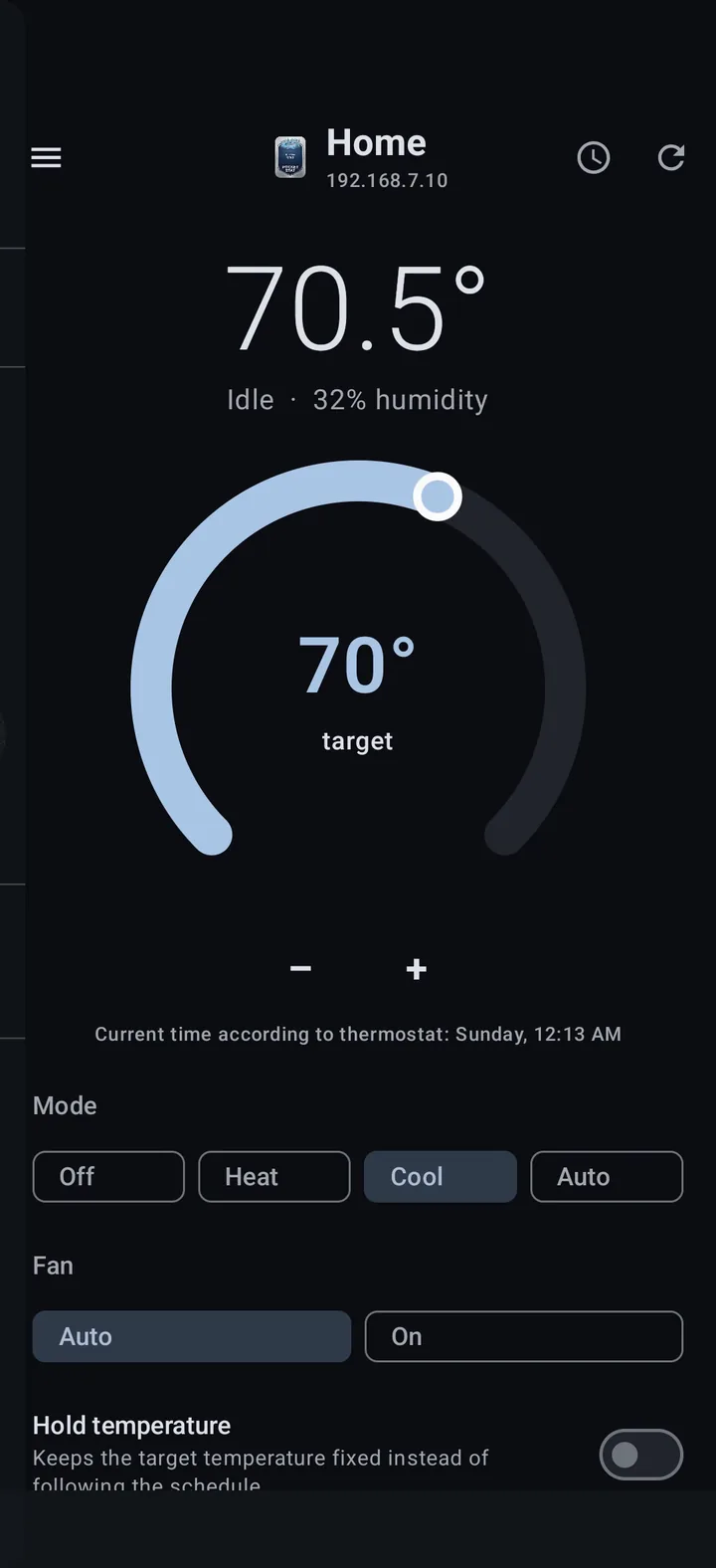
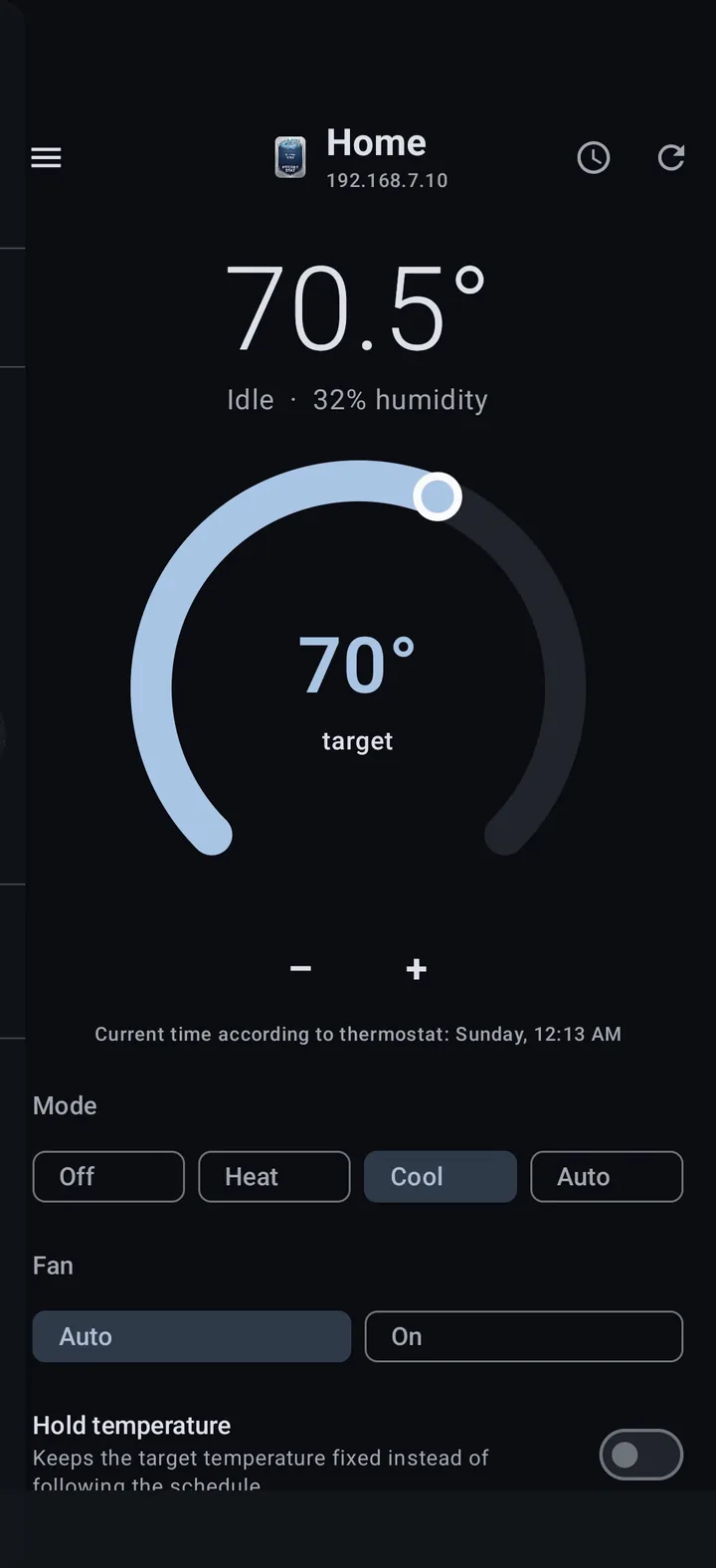
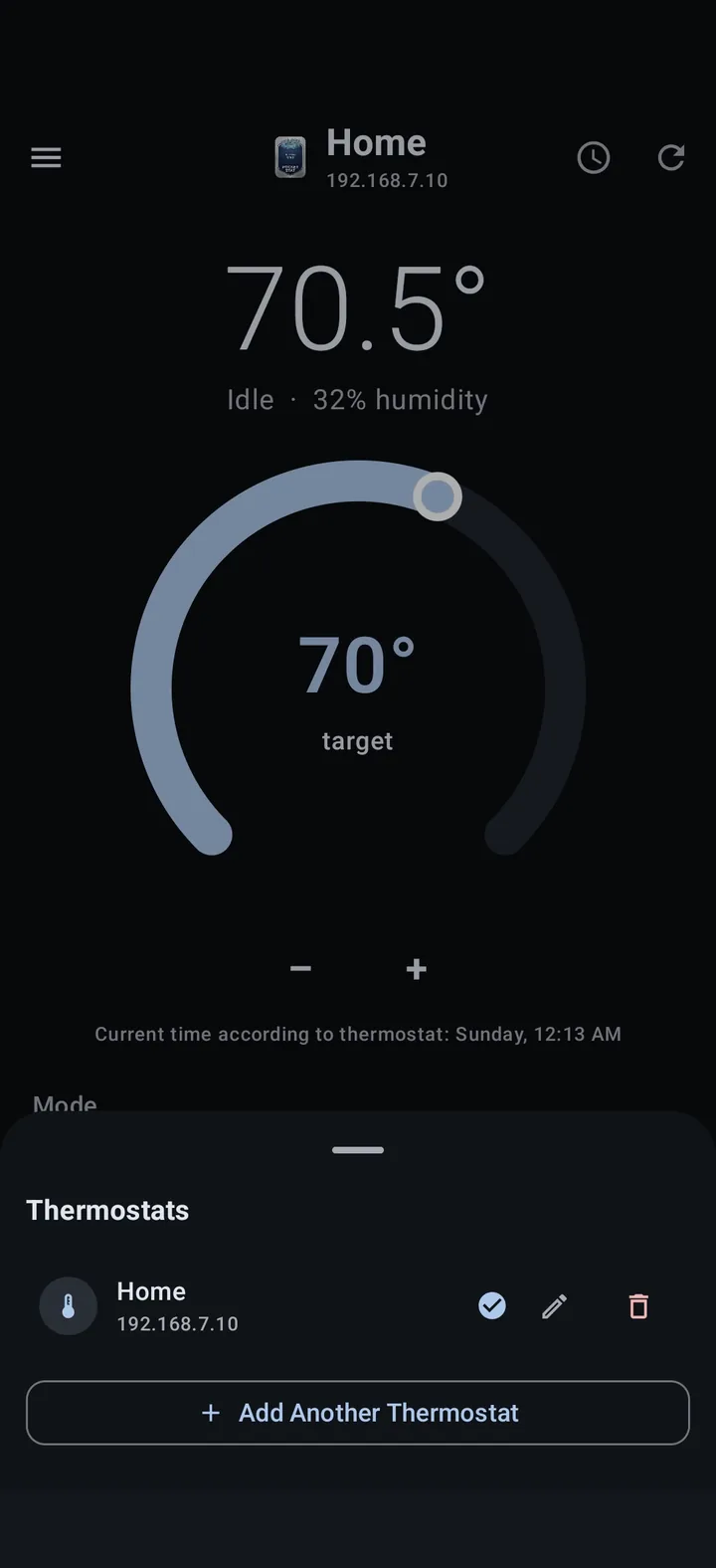
Mode, fan, hold, and live temperature, all on one screen, polling your thermostat every 15 seconds while it’s open.
Draggable temperature dial
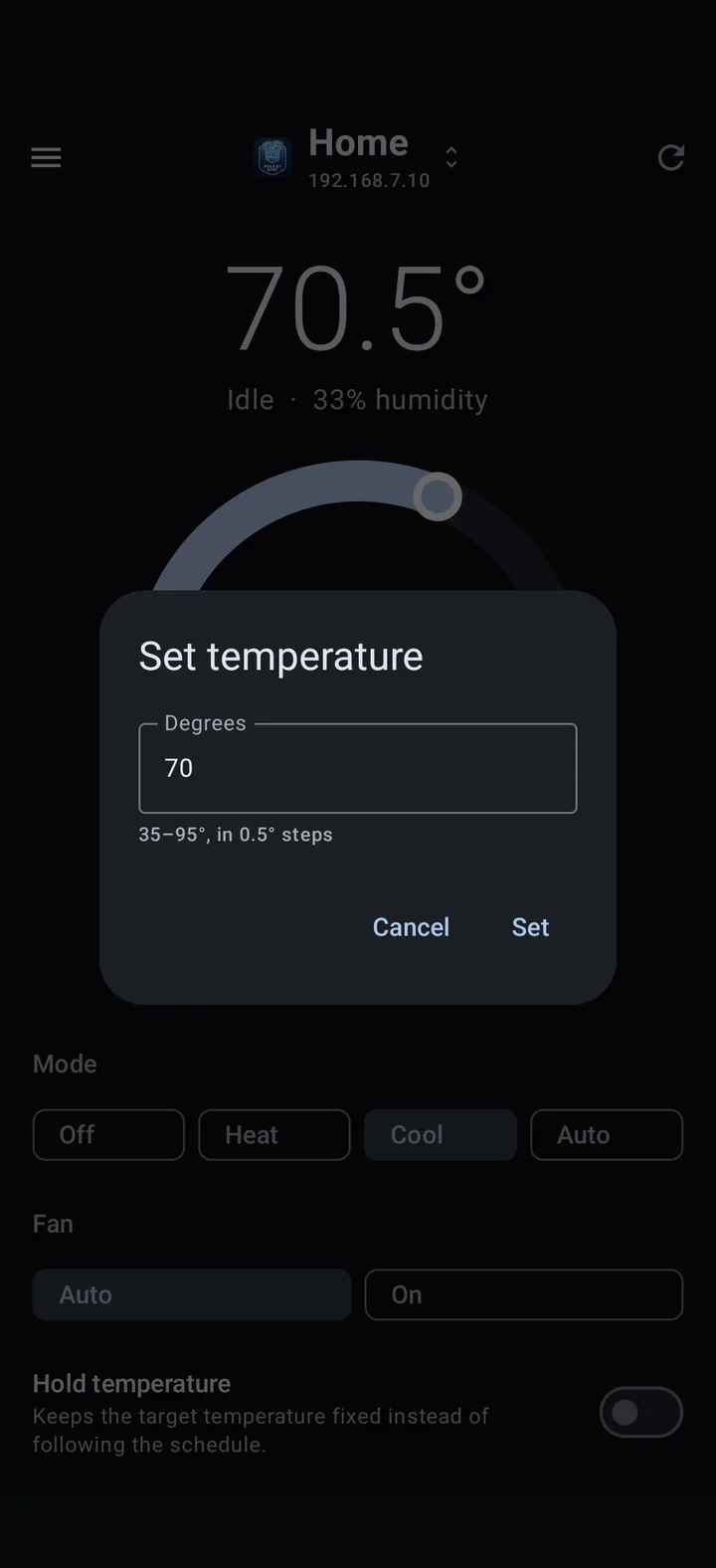
Drag to set your heat or cool target, tap to type an exact number, or nudge it with +/− buttons for whole-degree precision.
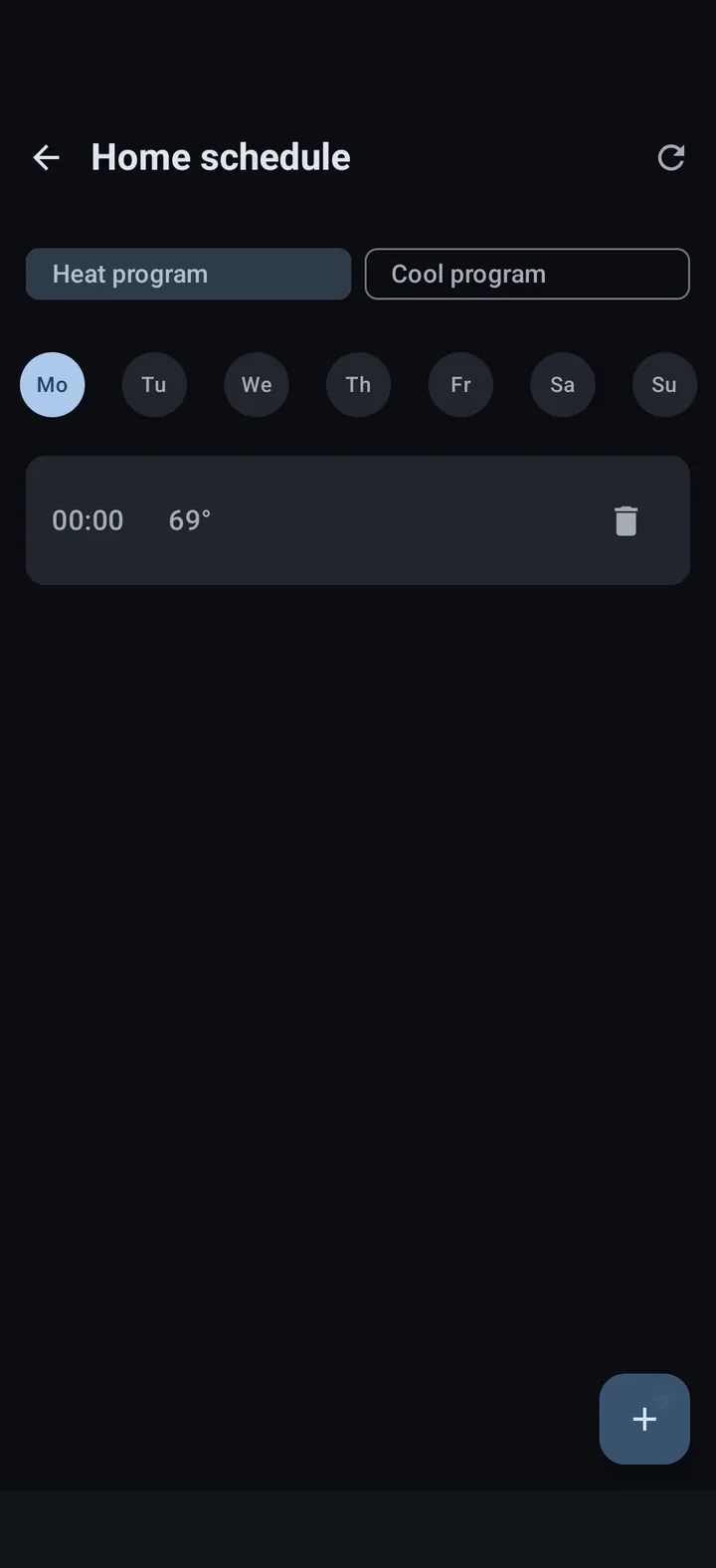
Weekly schedule editor
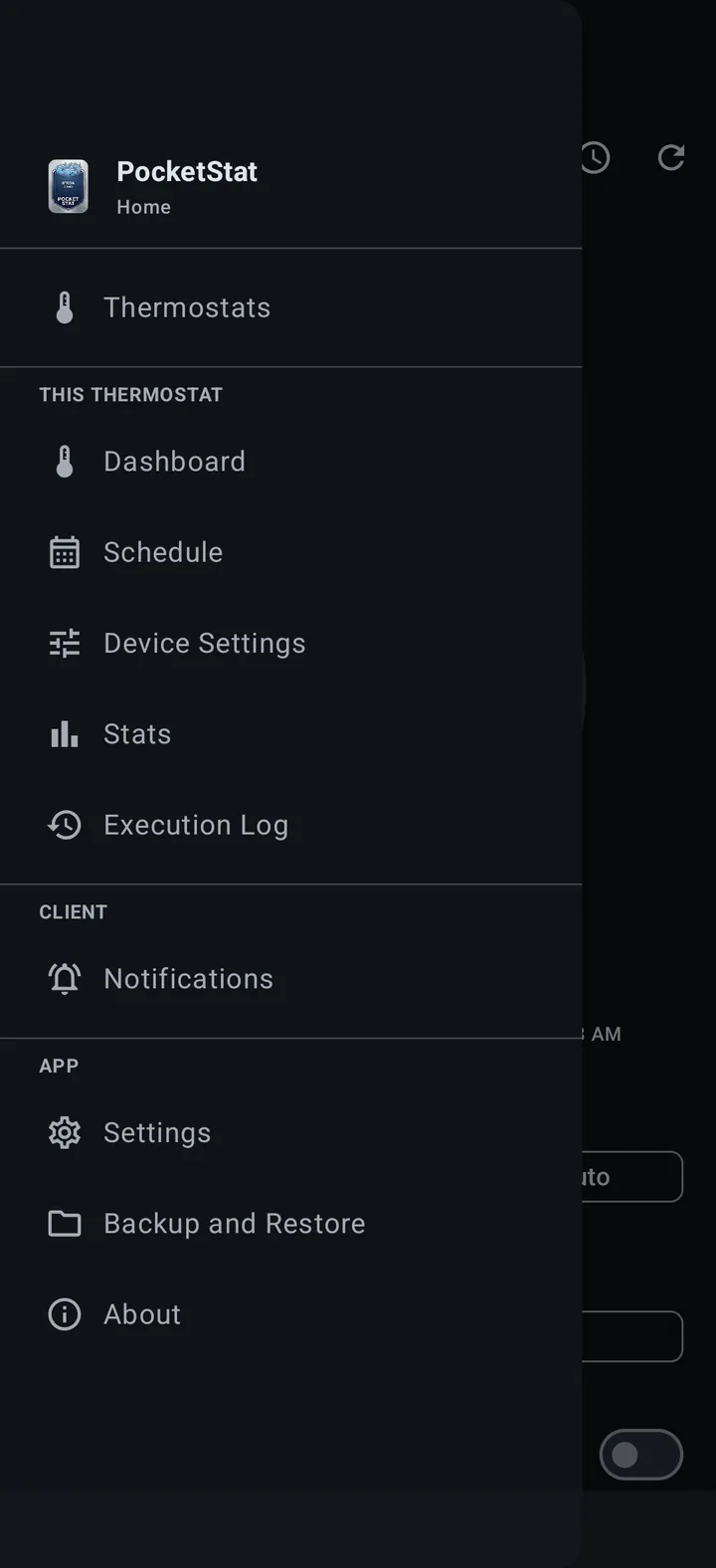
Edit your thermostat’s own heat and cool programs, day by day, with a clock-style time picker for each point.
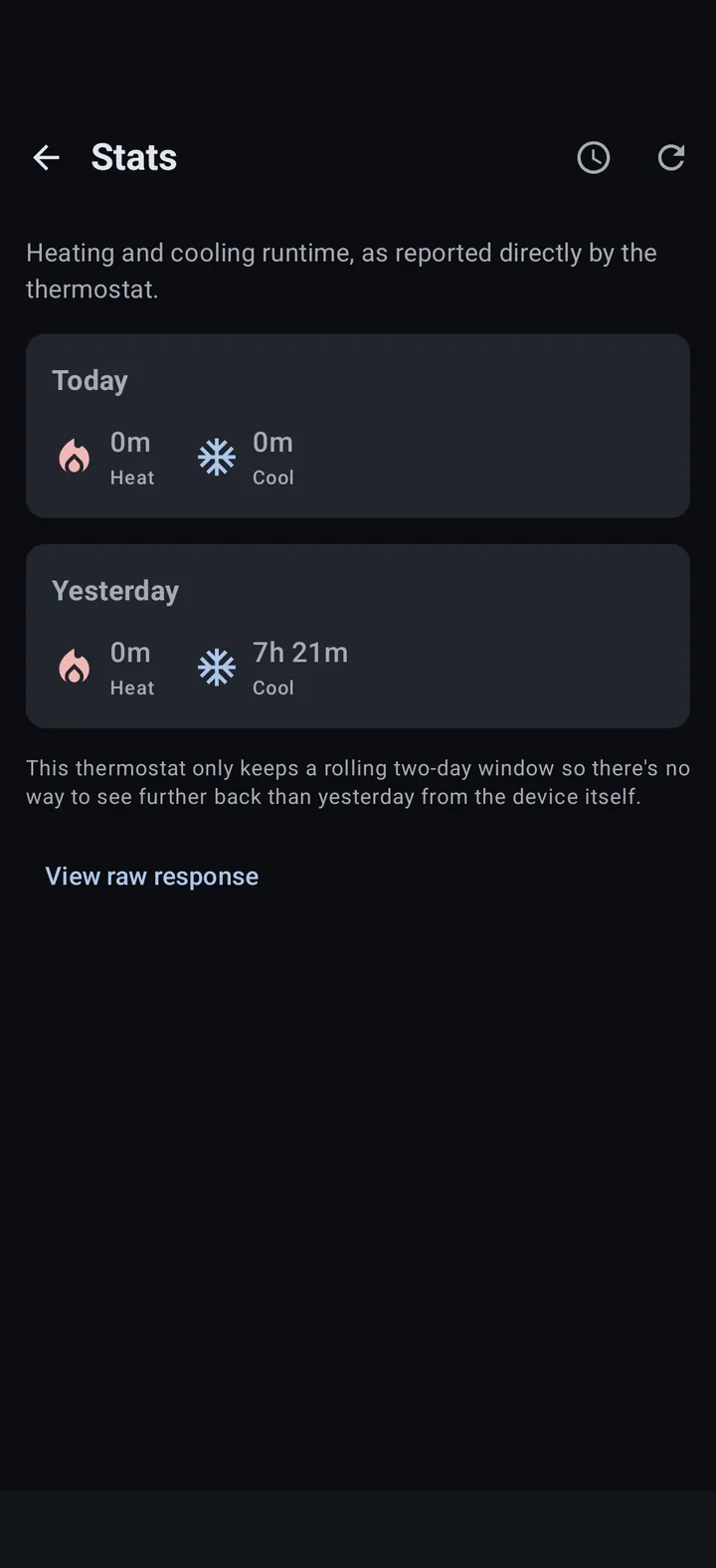
Runtime stats
Today and yesterday’s heating and cooling minutes, straight from the thermostat, the same rolling window it keeps internally.
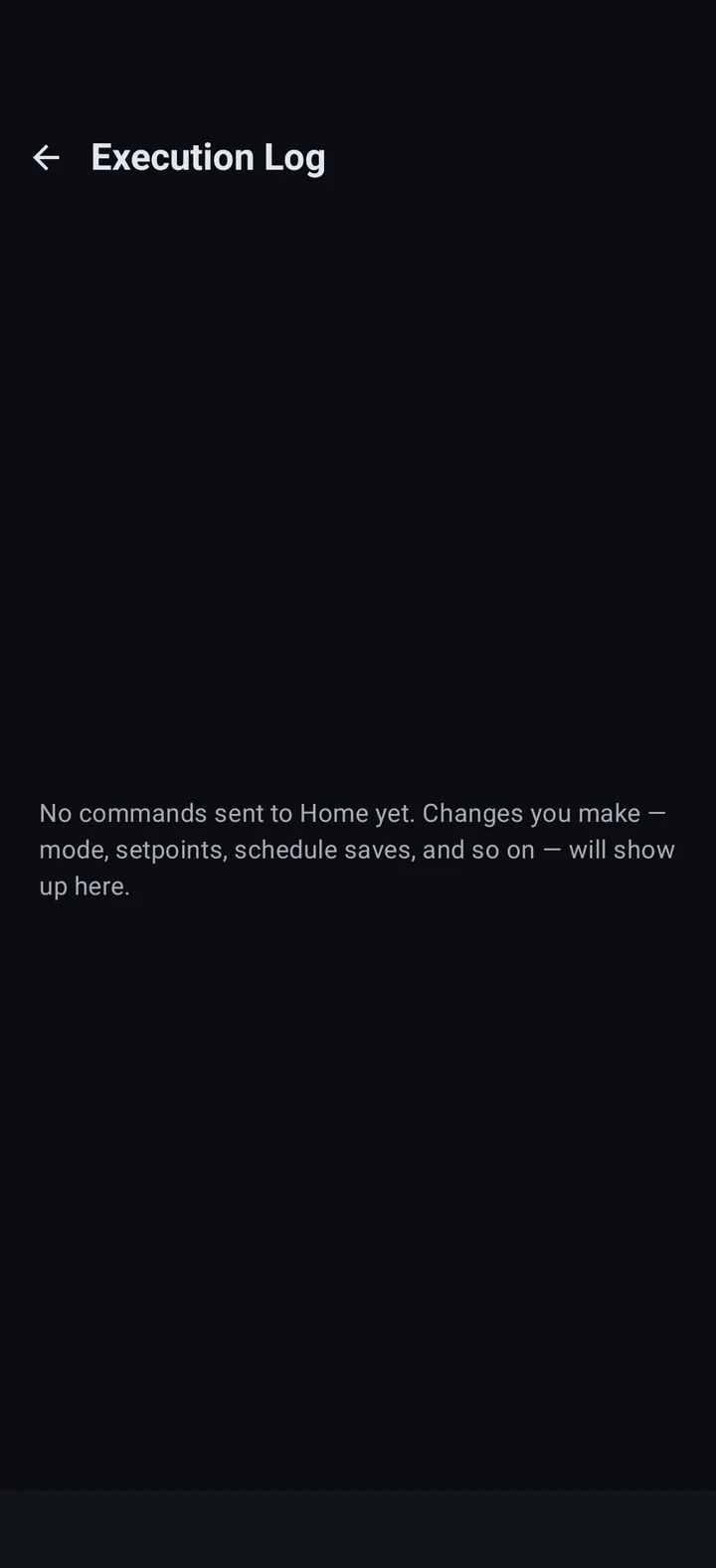
Execution log
A running history of every command sent to a thermostat, mode changes, setpoints, schedule saves, with success or failure for each.
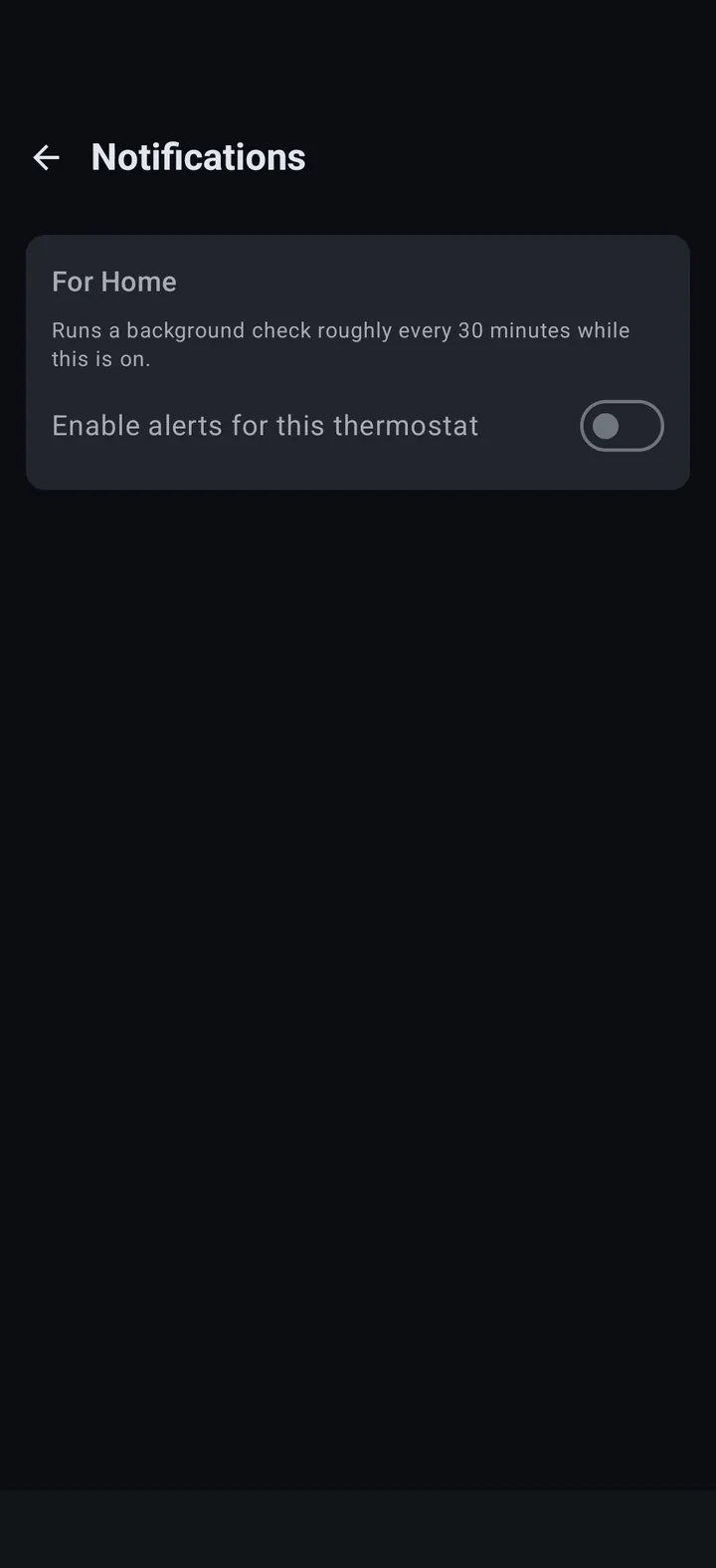
Background alerts
Get notified when the system’s been running longer than a threshold you set, or when it just hit its target.
Multiple thermostats
Save more than one CT80 and switch between them from the top bar, the same pattern as PocketStat’s sibling apps.
Home screen widget
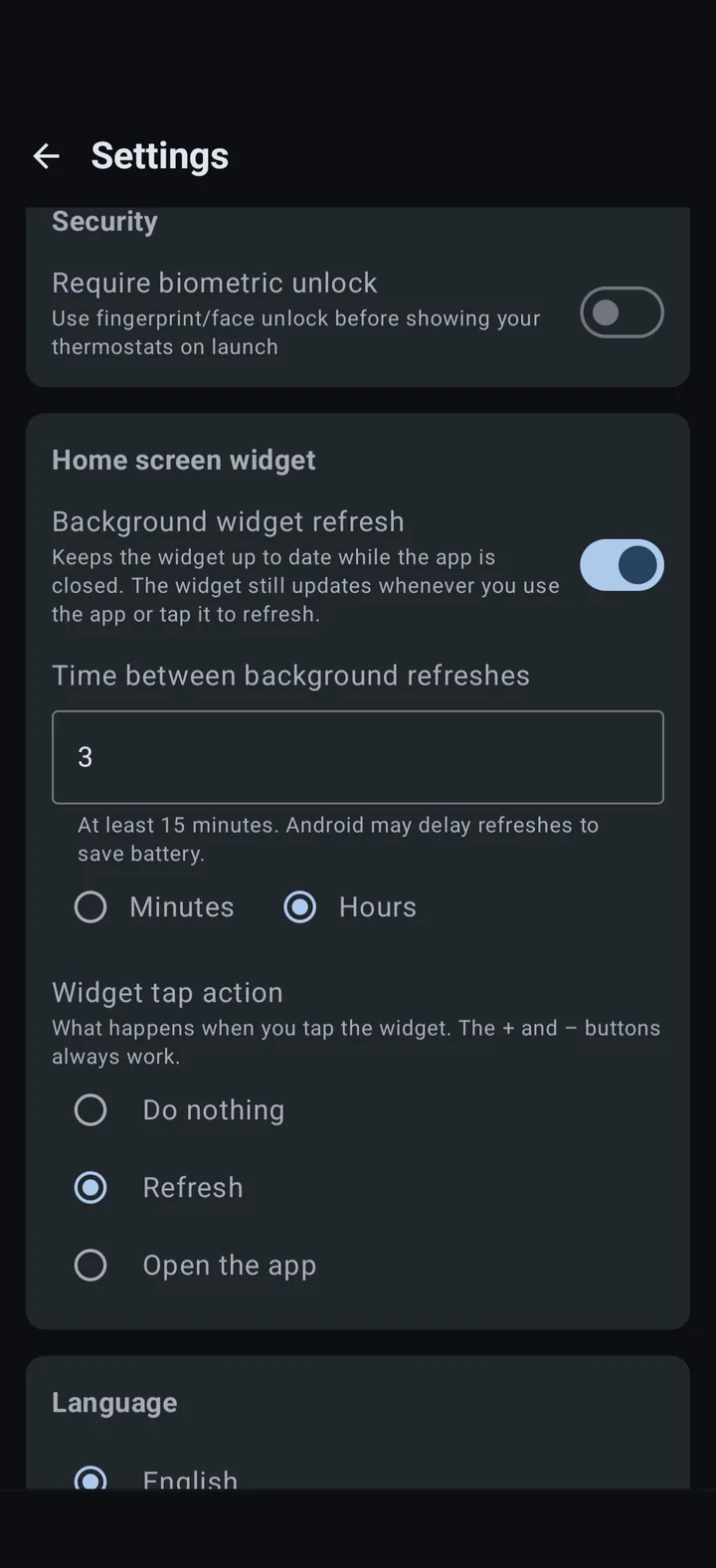
A resizable widget shows temperature, target, mode and status, with +/− buttons at larger sizes. Choose how often it refreshes and what a tap does.
Full device settings
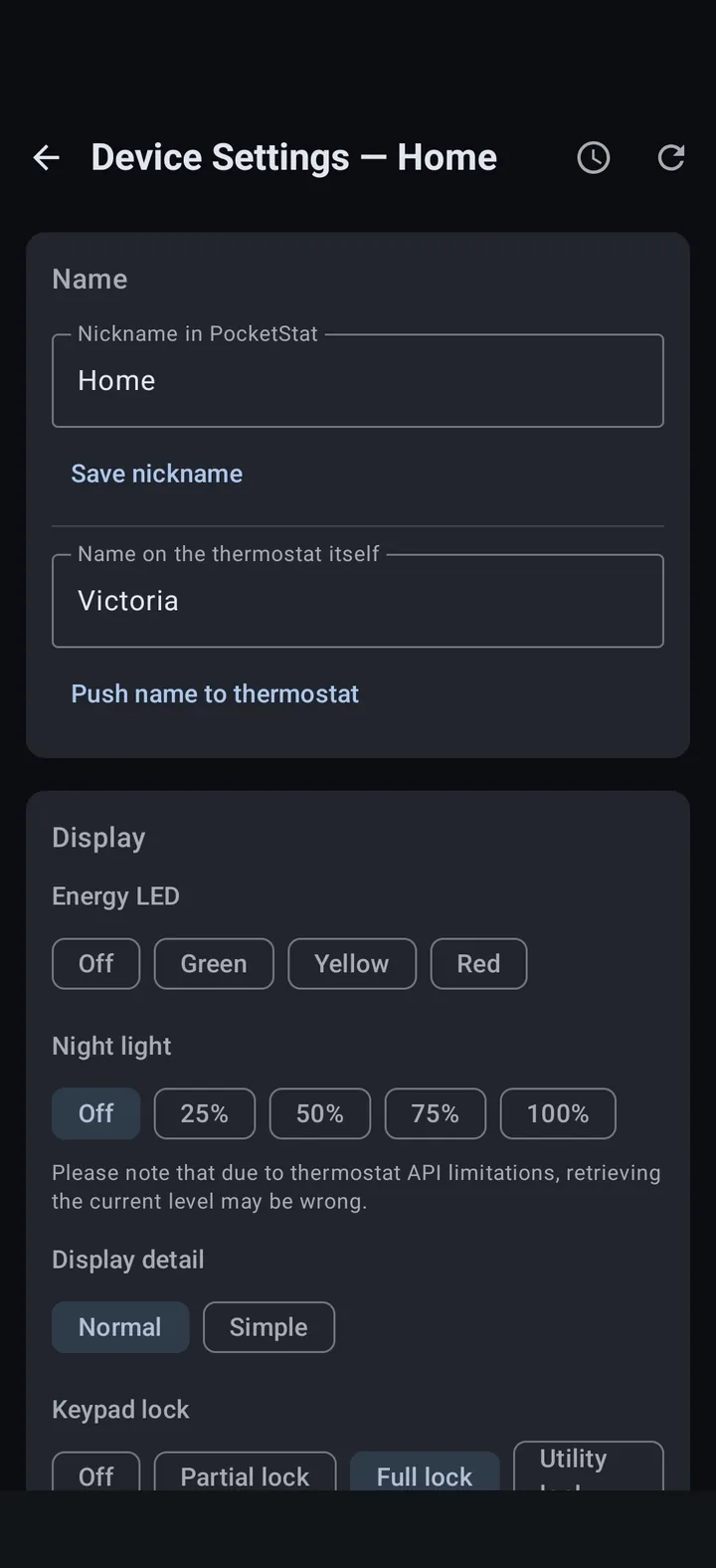
LED, night light, comfort & timing, humidity, exterior air baffle, a display message (CT80), system & network info, and remote reboot.
Biometric unlock
Optionally require your fingerprint or face before your thermostats are shown when the app launches.
Backup & restore
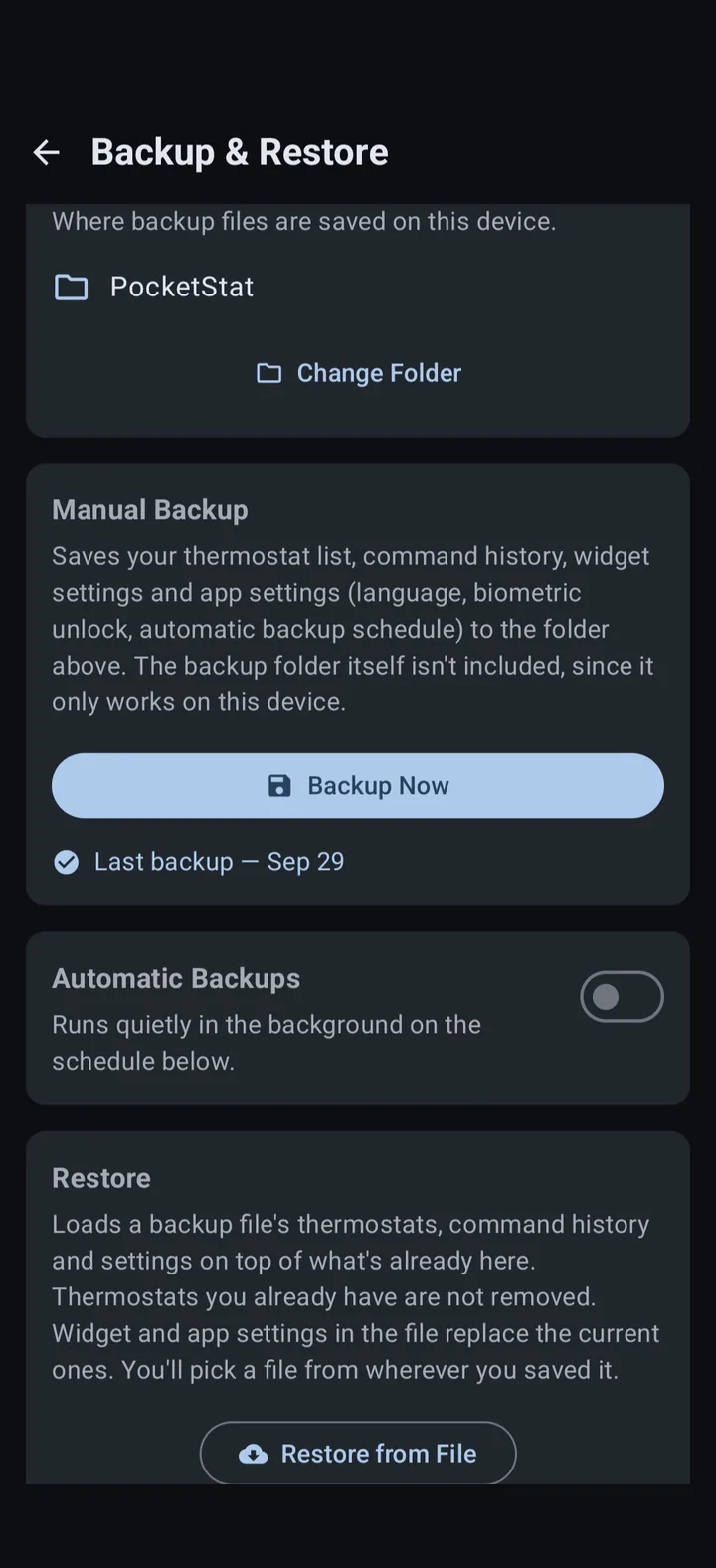
Export your thermostats, command history, widget settings and app settings to a file in a folder you choose, and restore them anytime.
Automatic backups
Back up on a daily, weekly or monthly schedule at a time you pick, saved quietly in the background to your chosen folder.
SCREENSHOTS
A closer look
FAQ
Common questions people ask.
Where does my data go?
PocketStat makes a direct connection to your thermostats built-in REST API over your local network, without any relay, cloud account, or third party in between. Your data never leaves your thermostat or the app.
Do I need to log in or create an account?
No. Both the app and the CT80’s own API has no authentication, so PocketStat just needs a host name or IP address.
Why does the app use plain HTTP instead of HTTPS?
Because that’s all the CT80 speaks. The thermostat has no TLS option.
Does PocketStat work when I’m away from home?
No. PocketStat needs a network path to your thermostat. The same Wi-Fi, a VPN, or a reverse proxy you set up yourself. There’s no cloud relay built in.
Is PocketStat free?
Yes, PocketStat is currently free.
Is PocketStat open source?
No, PocketStat is currently not open source, but may be in the future.
Can I connect more than one thermostat?
Yes. Save as many CT80s as you have and switch between them with one tap from the top bar / menu.
How does the home screen widget refresh?
By default the widget refreshes in the background every 30 minutes. In Settings you can pick any interval from 15 minutes to 24 hours, or turn background refresh off. The widget also updates whenever you use the app, and tapping it can refresh it, open the app, or do nothing, whichever you choose. Android may delay background refreshes to save battery, and like the app, the widget needs a network path to your thermostat.
Which Android versions are supported?
PocketStat requires Android 8.0 (Oreo) or newer.
Is there an iPhone version?
No. PocketStat is Android only, and iPhone is not supported.
Which thermostats are supported?
PocketStat is built against the Radio Thermostat CT80’s Wi-Fi USNAP Module API (v1.3). Other models that share the same API, like the 3M-50 or CT30, may work but aren’t tested or supported.
Is PocketStat "vibe coded"?
PocketStat development uses AI responsibly. Please see the full AI disclosure at the bottom of this page.
Why is the app free? Where do you make your money?
Not everything needs to cost money. I wrote PocketStat when RTCoA shut down their app for myself and realized that others might need the same thing.
Will this app be released in the Google Play Store?
Developer accounts for the Google Play Store cost money and this app is free. If I released it in the Play Store, I would have to charge for the app to make back that money, which I do not want to do.
Would you be open to collaborating with someone else to release it in the Play Store?
Yes. Please email me (admin) to collaborate. This domain name is the second part of the address.
Will this app be released to F-Droid?
If the app becomes open source, I will release it to F-Droid.
What endpoints does the app communicate with?
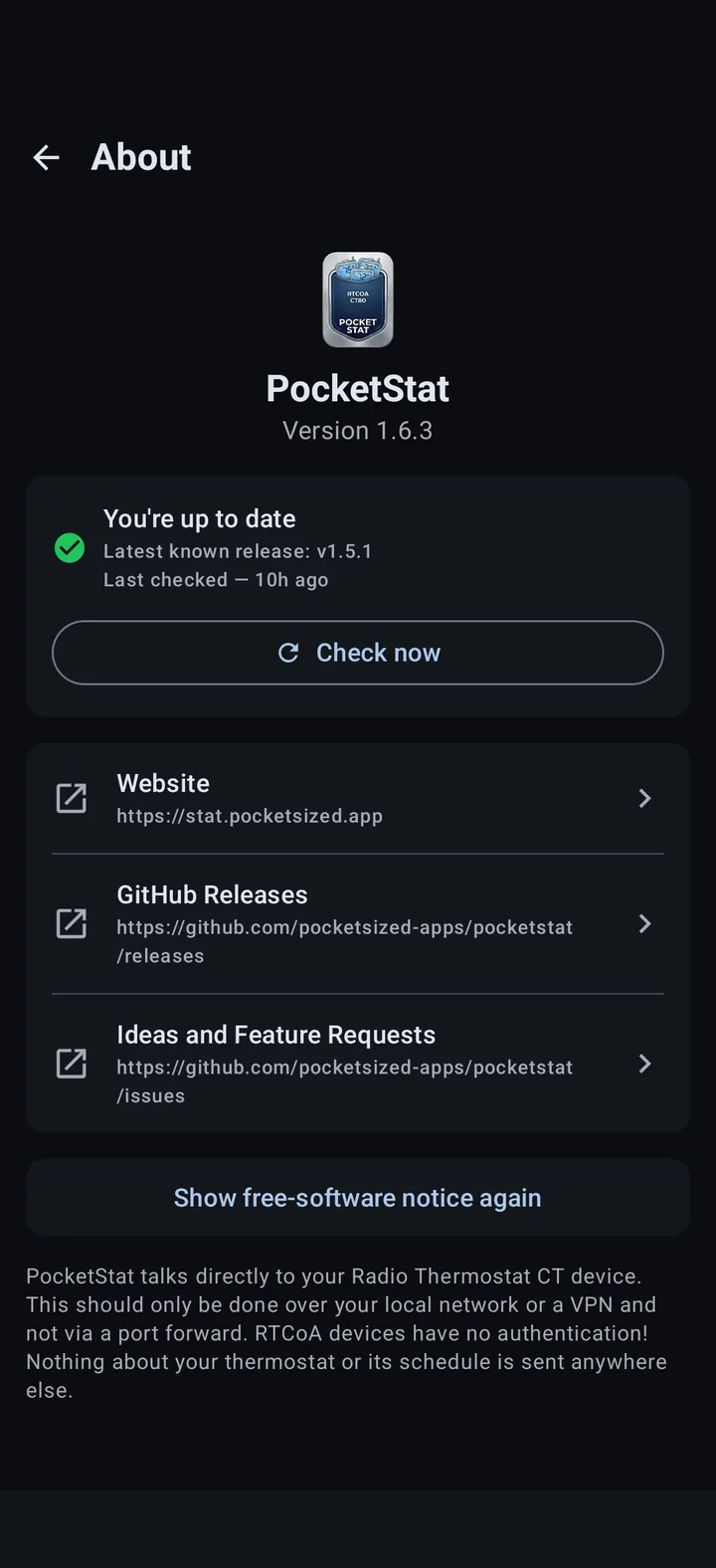
PocketStat only communicates with the thermostats you’ve added and GitHub. Once every 12 hours, or if you hit the check now button, PocketStat checks the release versions to see if an update is available. Your data is not sent to GitHub, rather it pulls the latest version number and compares it locally to the installed version.
What permissions does PocketStat need, and why?
PocketStat asks only for what it needs to reach your thermostat and run its optional features:
- Internet. Lets the app send requests to your thermostat on your local network, and check GitHub for a newer version.
- Network state. Lets Android and the app’s scheduled tasks, like background alerts and widget refresh, check that the phone is connected before trying to reach your thermostat.
- Wi-Fi state. Allows viewing whether Wi-Fi is on and connected. PocketStat does not read your network name or your location.
- Notifications (Android 13 and newer). Only requested when you turn on alerts for a thermostat, so the app can tell you when the system has run too long or reached its target.
- Biometrics. Only used if you turn on biometric unlock in Settings, which is off by default. Android checks your fingerprint or face, and PocketStat never sees it.
- Startup and wake. Standard permissions from the Android library PocketStat uses for scheduled tasks. They let alerts, widget refresh and automatic backups resume after a restart, and keep the phone awake briefly while a task runs.
PocketStat does not request location, contacts, camera, microphone, or access to your files. Backups are saved to a folder you pick with Android’s own folder picker.
DOWNLOADS & SUPPORT
Download the app today!
PocketStat is hosted on GitHub.
Found a bug?
Open an issue on GitHub with your thermostat model, PocketStat version, how you got to the bug, and what you saw.
Report an issue →AI USE DISCLOSURE
I understand the reservations surrounding AI-generated software. Relying on a tool to write code without fully understanding either the tool or the output is risky and many wish to avoid it. However, developer assistance tools like autocomplete or online reference platforms have been standard practice for years before AI came on the scene.
Both the PocketStat app and website were developed with the help of AI coding assistants. Depending on the task, this assistance ranged from simple word completion to refactoring functions for modern best practices. Crucially, every line of code was individually reviewed, vetted, and thoroughly tested by me.
Finally, AI involvement is strictly confined to the build process: the PocketStat application itself contains no embedded AI features or runtime models.
DISCLAIMER
PocketStat is provided “as is”, without warranty of any kind. It sends commands that change your thermostat’s settings, including temperature targets, modes, and schedules. Use it at your own risk. The developer is not responsible for any damage, discomfort, energy costs, or other loss that results from using the app, from a command that fails or is delayed, or from information in the app being incomplete or out of date. Do not rely on PocketStat as your only way to monitor or control heating or cooling where a failure could cause harm, such as freezing pipes or dangerous temperatures.